
Plugins
It’s always tempting to solve every new task with a large plugin: install an all-in-one, flip on the option you need, configure ten more settings “just in case,” and move on.
At first glance, that feels like the fastest path. Over time, though, the site picks up unnecessary dependencies, duplicated functionality, extra settings, and another potential point of failure.
That’s why, in my projects, I increasingly choose a different approach: small, purpose-built plugins or standalone utilities for a specific task. They don’t try to replace half of WordPress. They simply do one thing — and do it predictably.
All-in-one does not always mean simpler
A large plugin can make sense when you genuinely need a complete product with many interconnected features. But for a small task, it often creates more complexity than it solves.
For example, a client may need to:
add a custom order status;
hide a specific checkout field;
change pricing logic for a particular product type;
add a small cron job;
modify WooCommerce email notifications;
sync a custom field with an external service;
add a simple admin action for managers.
You can usually find a large, all-purpose plugin for each of these tasks. But along with the feature you need, it often brings:
its own settings pages;
extra database tables;
frontend scripts and styles;
dozens of unnecessary hooks;
third-party library dependencies;
its own logging system;
potential conflicts with the theme or other plugins.
As a result, the site ends up depending on a tool even though the original need was only a few lines of logic.
In that situation, a small plugin is not necessarily a “homemade workaround.” It can be a clear way to capture and isolate a business rule.

Fewer dependencies mean fewer risks
Every extra dependency increases what you have to account for when maintaining a site.
That does not mean third-party plugins are bad. I regularly use proven solutions when they genuinely fit the job. But for a simple change, there is little reason to install a large product with dozens of features when you only need one.
A small plugin usually:
does not depend on a specific theme;
does not add unnecessary UI;
does not load assets on every page;
uses a limited set of hooks;
is easier to update;
is easier to move between environments;
is understandable to another developer without a long investigation.
This matters especially on client sites you need to support for years. A few months later, it may no longer be obvious why a particular option was enabled in a large plugin. A separate plugin folder named something like client-checkout-rules, on the other hand, makes its purpose obvious right away.
Simple logic is easier to debug
One of the main advantages of small plugins is control over the code.
When something breaks, I can quickly answer a few questions:
Which plugin is responsible for this feature?
Which hook does it run on?
What conditions does it check?
Does it change data, output, or another component’s behavior?
What happens if I temporarily disable it?
With a large all-in-one plugin, the answer is often much harder. You may need to check settings, hook priorities, module compatibility, asset loading, and how the plugin’s own features interact with each other.
A small plugin does not guarantee zero bugs. But it shrinks the search area.
That is especially useful in WooCommerce, where even a small change can touch checkout, emails, order data, AJAX requests, or the admin. When each rule is isolated, it is easier to see which layer of the system is causing the problem.
Example: a small WooCommerce utility
Suppose a client needs an internal flag on an order when it contains a product with a specific attribute.
That does not have to live inside a large order-management plugin. In many cases, a standalone utility is enough:
<?php
/**
 * Plugin Name: Client Order Flags
 * Description: Adds an internal flag to selected WooCommerce orders.
 */

defined( 'ABSPATH' ) || exit;

add_action( 'woocommerce_checkout_create_order', function ( $order ) {
    if ( ! $order instanceof WC_Order ) {
        return;
    }

    foreach ( $order->get_items() as $item ) {
        $product = $item->get_product();

        if ( ! $product ) {
            continue;
        }

        if ( $product->get_attribute( 'pa_special-service' ) === 'yes' ) {
            $order->update_meta_data( '_client_special_service', 'yes' );
            break;
        }
    }
}, 10 );
In a real project, the logic may need to handle variations, validate attribute names, include tests, and add logging where it helps.
The principle stays the same: the plugin has one responsibility and does not try to become a full order-management system.
DraftLift AI as a focused product
I try to follow the same approach in my own products. DraftLift AI, for example, should solve a specific problem around preparing or improving content — not turn into a universal marketing suite.
That distinction matters.
When a product has a clear purpose, it is easier to:
explain it to users;
control its behavior;
keep the number of settings limited;
test individual scenarios;
understand which data it processes;
avoid unnecessary impact on the site.
I think this is a useful principle beyond plugins. Any digital product becomes more reliable when its responsibility is limited to a clearly defined job.
Keep the scope limited
Before creating a new plugin, it helps to describe its purpose in one sentence.
For example:
This plugin adds an internal flag to WooCommerce orders for products with a specific attribute.
Or:
This plugin hides the VAT number field at checkout for a selected group of customers.
If that description slowly turns into a list of ten different features, the scope is starting to grow.
For me, a good small plugin usually has:
one main responsibility;
as few settings as possible;
a clear entry point;
no hidden magic;
the ability to be disabled safely;
short documentation for future maintenance.
That does not mean every plugin must be a single file. If you need classes, a REST endpoint, cron, or a separate service layer, add them. The structure should serve the task — not show off complexity for its own sake.
Don’t create a custom UI unless you need one
Admin UI is a separate question.
It is easy for a developer to add a settings page: a menu item, a form, a few checkboxes, and values stored in options. Sometimes that UI is simply not needed.
If the client will never change the rule, it does not have to live in the admin. It can stay in configuration or be made obvious in the code.
A custom UI makes sense when:
settings change regularly;
admins without code access need to manage them;
you need to control several scenarios;
skipping a form would make mistakes easy;
values differ from site to site.
Otherwise, the settings page becomes another layer you have to test, secure, and maintain.
My rule is simple: if the user does not need a setting, don’t build an interface for it.
Safety matters more than feature count
A small plugin should be compact — and safe in how it behaves.
Before I add code, I try to check:
whether the required dependency, such as WooCommerce, is present;
whether the code runs in the right context;
whether admin actions check user capabilities;
whether input is sanitized and validated;
whether forms and AJAX requests use nonces;
whether existing data gets overwritten without a good reason;
what happens after the plugin is deactivated;
whether assets load only where they are needed.
For example, a plugin that depends on WooCommerce should not call WooCommerce classes or functions without checking that the dependency is available. In the simplest case, add a guard:
if ( ! class_exists( 'WooCommerce' ) ) {
    return;
}
For a more complex setup, a separate bootstrap and an admin notice when the dependency is missing work better.
Safety is not one big feature. It is a set of small constraints that keep the plugin from doing more than it should.
Clean removal matters
Before creating a plugin, it is worth asking:
What will be left on the site if this plugin is removed?
For simple utilities, the best answer is: nothing critical.
If the plugin adds meta fields or custom records, decide in advance whether they should be deleted on uninstall. If it changes existing data, think about rollback — or at least document the behavior clearly.
Not every plugin should wipe all of its data automatically. That can be dangerous, especially if the data may be needed after reactivation. The point is to decide deliberately, not by accident.
A plugin you can safely disable and remove is much easier to migrate, test, and debug in an emergency.
When an all-in-one still makes sense
I do not treat large plugins as a bad default. They can be the right choice when:
you need a full set of related features;
the product has a solid reputation and good support;
the functionality is actively maintained;
the team does not want to maintain a custom solution;
the cost of the dependency is lower than building and supporting your own;
the plugin fits the site’s current architecture well.
The question is not large vs small. The question is whether the solution is proportional to the task.
If a client needs a full CRM integration, writing a homemade mini-plugin of a few hundred lines just on principle is usually a bad idea. But if you only need one local business rule, an all-in-one is often overkill.
What this changes in maintenance
This approach pays off most clearly not during development, but six months or a year later.
Small, purpose-built plugins help you:
find the source of a problem faster;
move changes between staging and production more easily;
reduce risk after updates;
explain the architecture to another developer;
avoid tying business logic to a random plugin;
track changes more precisely in Git;
disable individual features more safely.
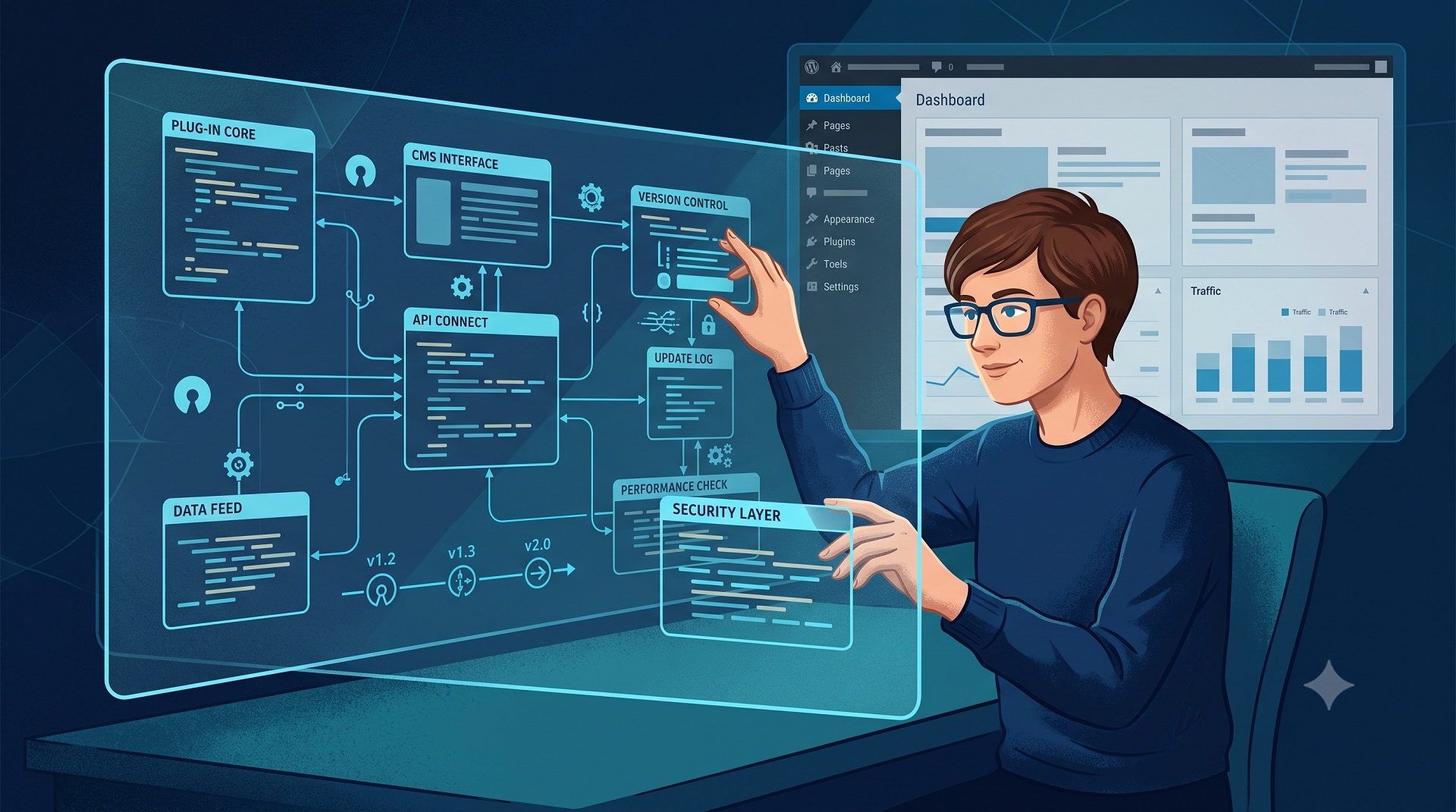
In practice, the site becomes more modular. Each feature has a clear boundary, and a change in one module should not ripple through the whole project without a good reason.
My practical checklist
Before I install a large plugin or create a new utility, I try to walk through a short checklist:
What exact problem needs to be solved?
Is it tied to other features, or is it an isolated rule?
Is a third-party dependency really necessary?
Is a user interface actually needed?
What data will the solution change?
What happens after deactivation?
Will the source of a problem still be easy to find months from now?
Would another developer understand why this code exists?
If the answers point to one small function, a standalone plugin or mu-plugin is often the cleanest option.
Conclusion
A small WordPress plugin is not necessarily a compromise or a temporary workaround. With a clear scope, minimal dependencies, and safe behavior, it is a legitimate architectural tool.
I like these solutions not because they are always shorter than an all-in-one. I like them because they make responsibility visible: one plugin, one specific task, minimal side effects, and a clear maintenance path.
For client sites, that means fewer unknowns. For the developer, faster debugging and calmer updates. For the site itself, less unnecessary code to explain later.
FAQ
Common questions about WordPress project work and ongoing support.
Why can small WordPress plugins be better than all-in-one solutions?
They solve a specific problem without bringing a large number of unnecessary features, settings, and dependencies. This makes debugging, updates, and long-term maintenance easier.
Does this mean large plugins should never be used?
No. All-in-one solutions can be appropriate when a project requires a complete set of related features, reliable support, and regular updates. The important thing is that the plugin’s size matches the actual requirement.
When should I create a custom plugin?
A custom plugin makes sense when you need to add a unique business rule, change WooCommerce behavior, or implement a client-specific feature that does not need to become part of the entire website’s plugin stack.
Are custom plugins harder to maintain?
Not necessarily. A small plugin with a clear scope, descriptive name, and minimal dependencies is often easier to maintain than a large third-party plugin with dozens of modules.
Does every plugin need its own settings page?
No. If users or administrators do not need to change the settings, a custom UI may be unnecessary. The rule can remain in the code or configuration.
What should be checked before creating a small plugin?
Define the scope, check dependencies and user capabilities, validate input data, use nonces for forms and AJAX, consider deactivation behavior, and decide whether the plugin can be safely removed.
What kinds of WordPress sites do you work with?
I work with business WordPress sites, WooCommerce stores, and projects that need to grow step by step — without unnecessary complexity or fragile solutions. This includes both new launches and existing sites that need refinements, support, or careful technical updates.
Can you improve an existing site without a full redesign?
Yes. Most tasks involve sites that are already live: new sections, functional improvements, WooCommerce changes, performance optimisation, or technical fixes. The goal is for the site to stay stable, manageable, and easy to develop further.
What types of tasks do you take on most often?
Most often this is custom WordPress development, Figma design implementation, WooCommerce refinements, support for live sites, fixing technical issues, and practical improvements over time. In selected scenarios I also help with light AI automations for content, enquiries, or internal admin workflows.
Do you work on WordPress speed and performance?
Yes. WordPress optimisation usually involves reviewing the theme, plugins, images, fonts, page structure, and the site's overall technical neatness. The aim is not a "magic button", but practical changes that make the site faster and easier to maintain.
Do you use AI when working on WordPress sites?
Yes, but only where it genuinely helps the process. AI works best for content drafts, FAQ or support assistants, enquiry handling, and small automations around an existing WordPress site. The approach is simple: AI should reduce routine work, not complicate the site.
What do I need to prepare to discuss a task or project?
Usually a short description of the site, the task, the desired outcome, and examples or technical constraints if you have them is enough. If the project is already live, it also helps to share the current site or a staging environment — this makes it easier to understand the scope of work.
Can I get in touch not for a new site, but for support or specific improvements?
Yes. I work not only on new builds, but also on live sites that need to be maintained, fixed, and improved gradually. This can include new pages, admin changes, WooCommerce refinements, small UX improvements, or technical maintenance.
Need help with a WordPress project?
If you need custom WordPress development, design implementation, or support for an existing site, I would be happy to review the project.