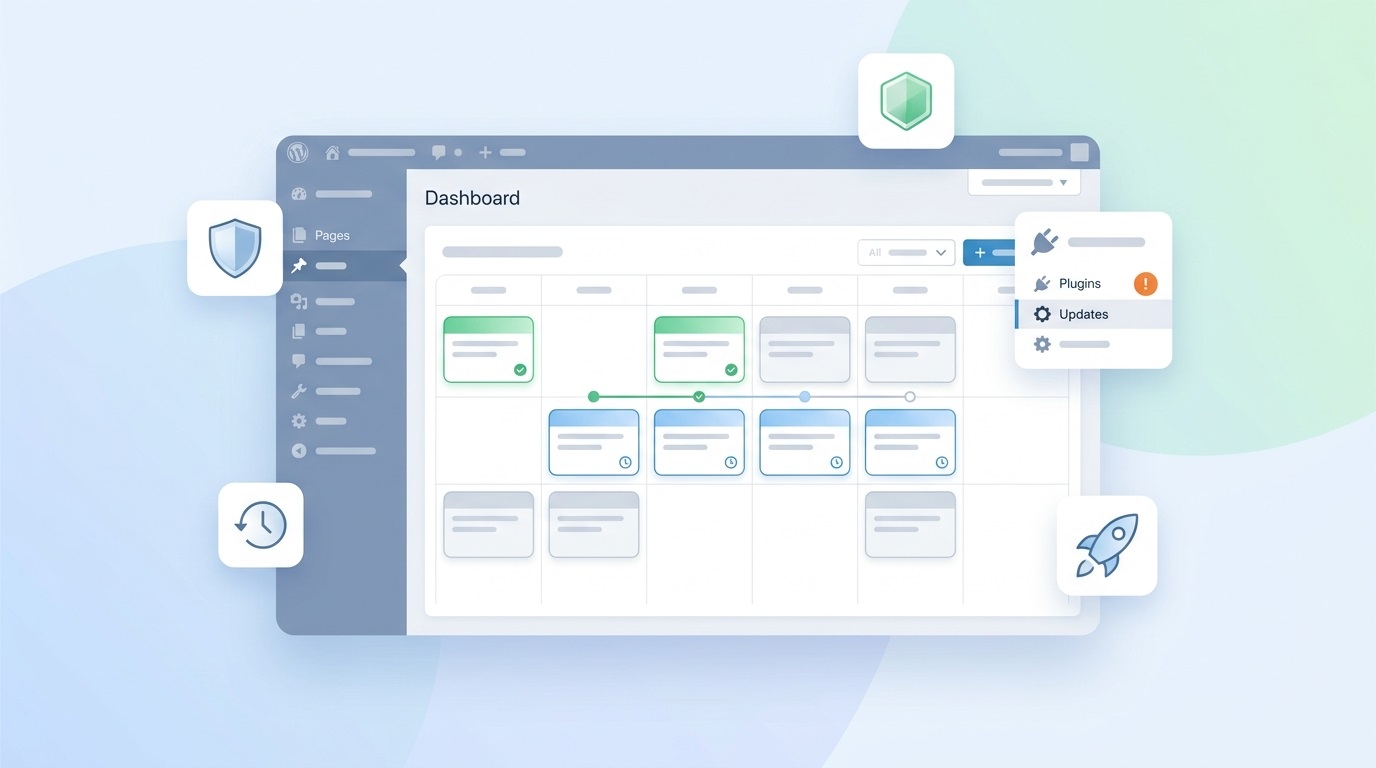
Wordpress
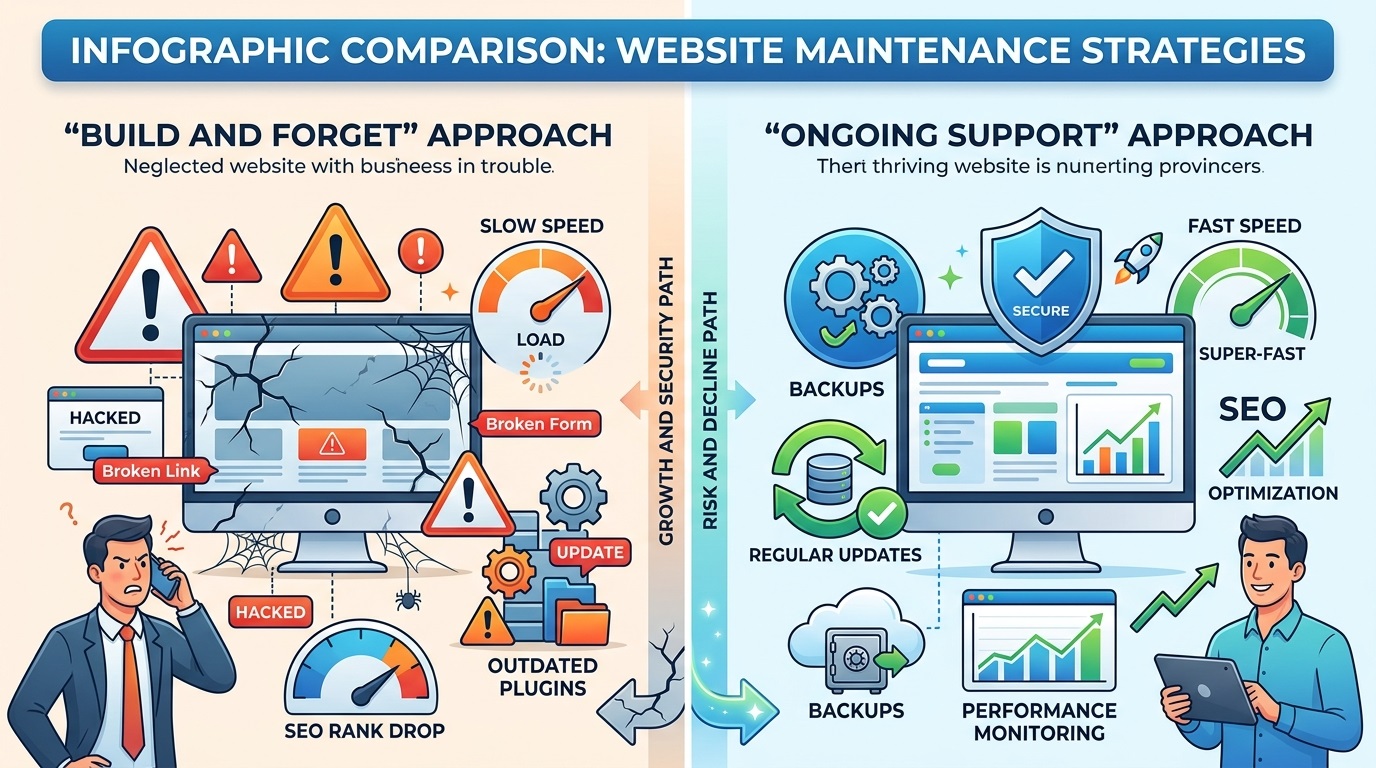
Clients often think: “We built the site, launched it, now it runs itself.” But a marketing site that lives inside a real business is not a static business card. It is a tool that keeps changing: new articles, new services, new campaigns, new analytics.
If the site publishes at least one article a week, without systematic support it quickly turns into a time bomb: outdated plugins, slow performance, security holes, and content that contradicts itself.
In this article I break down what marketing-site support with an active blog includes, how it looks in practice (weekly and monthly rhythm), and why it beats “build it and forget it.”
What support includes for a site with active content
When a site publishes every week, support is not just “update plugins sometimes.” It is a regular process covering the technical side, security, speed, and the content itself.
1. Regular updates (core, theme, plugins)
WordPress, the theme, and plugins keep getting updates. Without regular updates:
Security holes appear.
The admin and frontend get slower.
The risk of plugin conflicts grows.
How I do it:
Update first on a staging copy of the site.
Check key flows: forms, catalog, checkout, key pages.
Only then deploy to production.
It takes time, but it saves nerves when half the site does not break after an update.
2. Backups and recovery
For a site that publishes weekly, backups are not optional — they are mandatory.
The minimum you need:
Daily automatic backups of the database and files.
Backups stored off-site (not on the same hosting).
A restore test at least once every few months.
If something goes wrong (a bad update, a hack, accidentally deleted content), you do not lose a week of work — you roll back to yesterday or last week.
3. Security and monitoring
A marketing site with a blog is a juicy target for bots: forms, comments, the admin.
The basic set:
Login attempt limits (rate limiting, 2FA for admins).
Scans for malware and suspicious files.
Uptime monitoring: if the site goes down, you hear first — not a week later from customers.
This does not make the site “unbreakable,” but it sharply lowers the risk of serious problems.
4. Speed and performance
A site that publishes weekly keeps getting heavier: new images, new pages, new scripts.
What I check regularly:
PageSpeed / Core Web Vitals (especially on mobile).
Image optimisation (size, format, lazy loading).
Caching (page, browser, object).
Often, after a few months of active publishing without optimisation, a site loses 10–20% of its speed — and that already hits conversion and SEO.
5. Publishing help: templates, structure, basic SEO
When content goes out weekly, it should not turn into “everyone does it their own way.”
What I do for clients:
Create article templates: heading structure, blocks, examples.
Set up basic SEO: meta tags, H1–H3, internal links, images with alt text.
Show how to add news/posts without breaking the layout or killing speed.
Result: content stays consistent, and the site does not turn into a patchwork of styles.
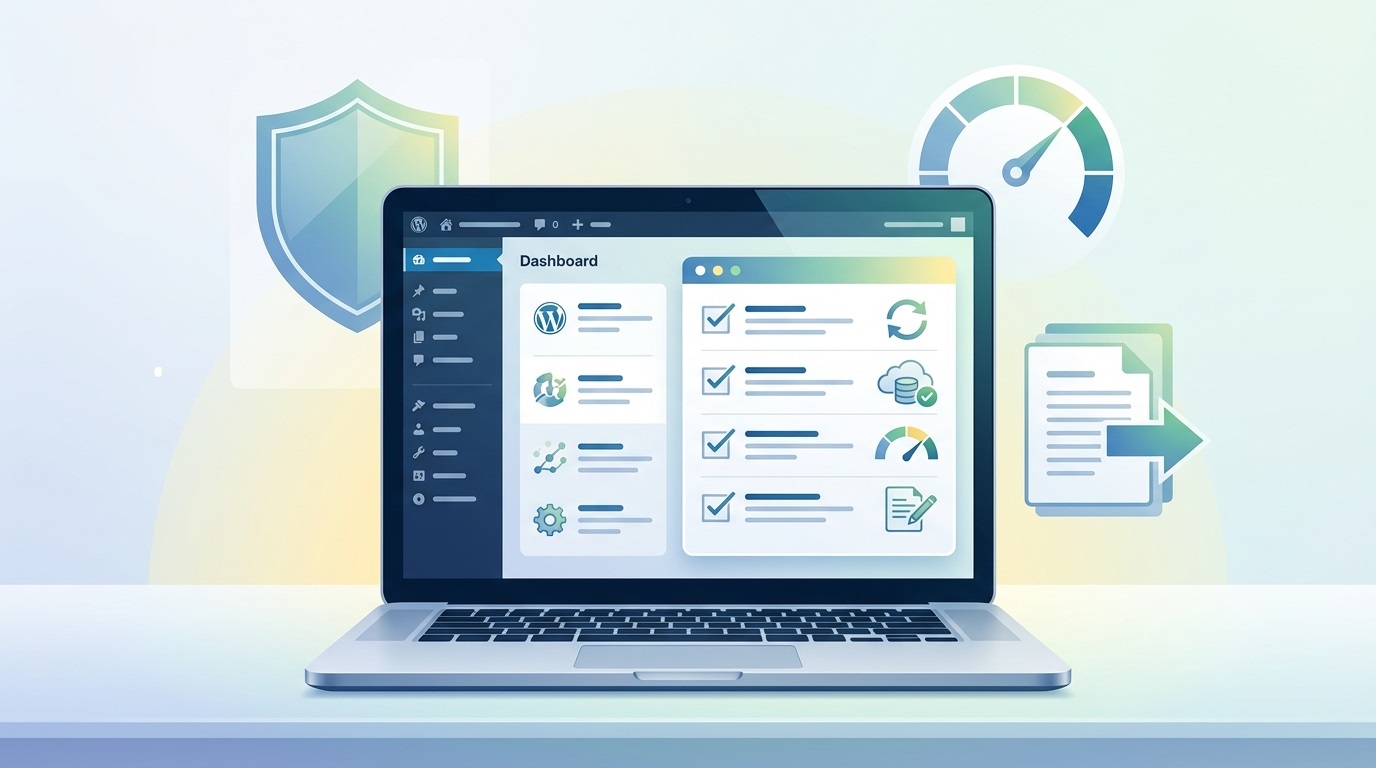
How it looks in practice: weekly and monthly rhythm
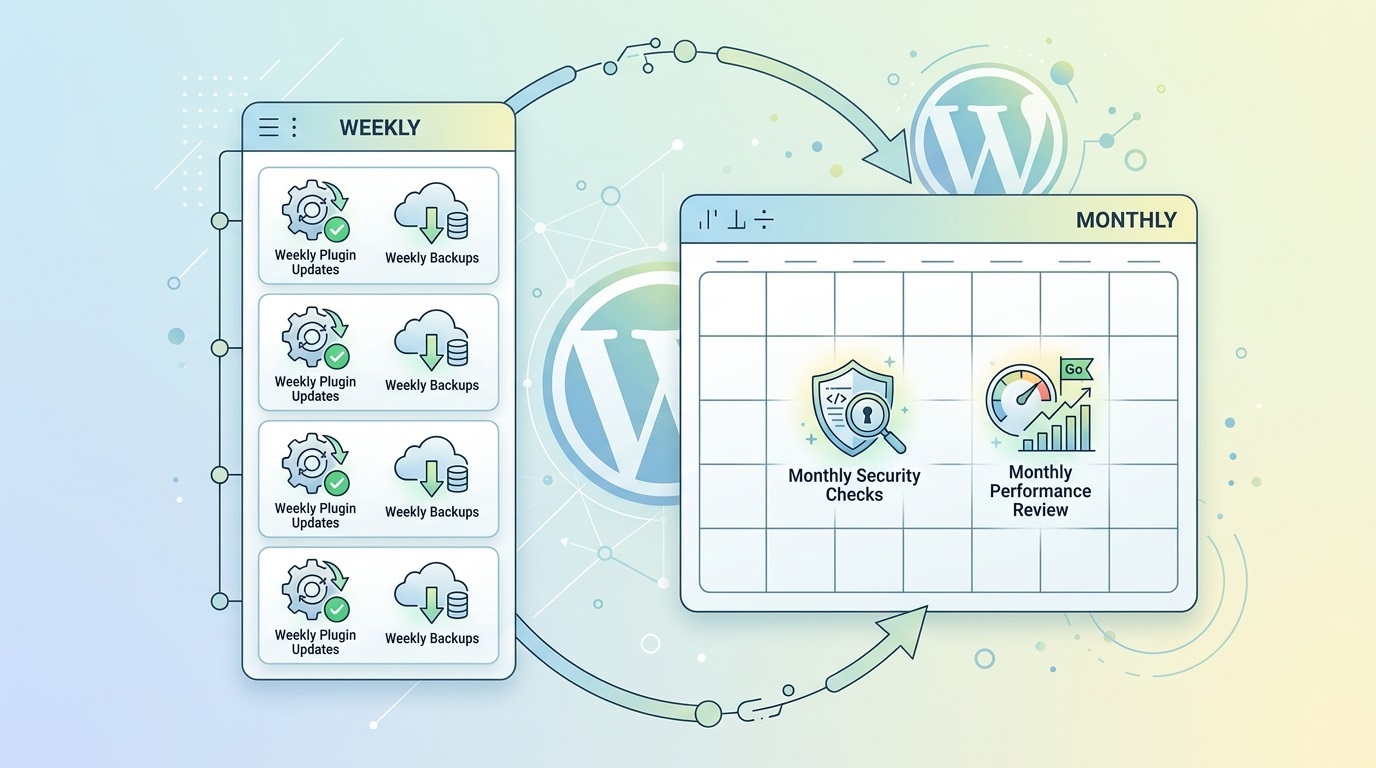
Support is not “I do something sometimes.” It is a clear rhythm. Here is how it usually looks.
Weekly rhythm
Every week (or every few days):
Site availability check (uptime).
Review error logs (when access is available).
Publish/review new content (if that is part of the agreement).
Once a week (for example on weekends or overnight):
Update plugins and theme on staging.
Quick check of key flows.
Deploy to production if everything looks good.
Once a week:
Automatic backups (database + files).
Confirm backups are actually being created.
Monthly rhythm
Once a month:
Full security check: scans, users, access rights.
Speed check: PageSpeed, real mobile load time.
Content structure check: orphan pages, whether main funnels still work.
Every 1–3 months:
Plugin review: anything unnecessary, anything that can be replaced with something simpler.
Analytics check: events, forms, and goals still tracking correctly.
For the client this often looks like a short monthly report: what was updated, what was checked, and what I recommend next.
A real example: a site that publishes weekly
Here is a typical scenario I work with: a company marketing site that publishes 1–2 articles a week.
Before systematic support:
Plugins were updated “when someone remembered,” sometimes once every few months.
Backups existed, but nobody checked whether they worked.
Speed slowly dropped: unoptimised images, new plugins for “one feature.”
Content had no shared structure: different heading styles, uneven length, no internal linking.
What we did:
Introduced a weekly update rhythm: staging → check → deploy.
Set up daily off-site backups and tested restores once a quarter.
Optimised images, configured caching, removed unnecessary plugins.
Created an article template: structure, examples, basic SEO rules.
Results after 3–6 months:
The site is more stable: no surprise outages after updates.
Speed is higher, especially on mobile.
Content looks consistent; new posts do not break the layout.
The client publishes with less stress: if something goes wrong, there is a backup and someone to fix it.
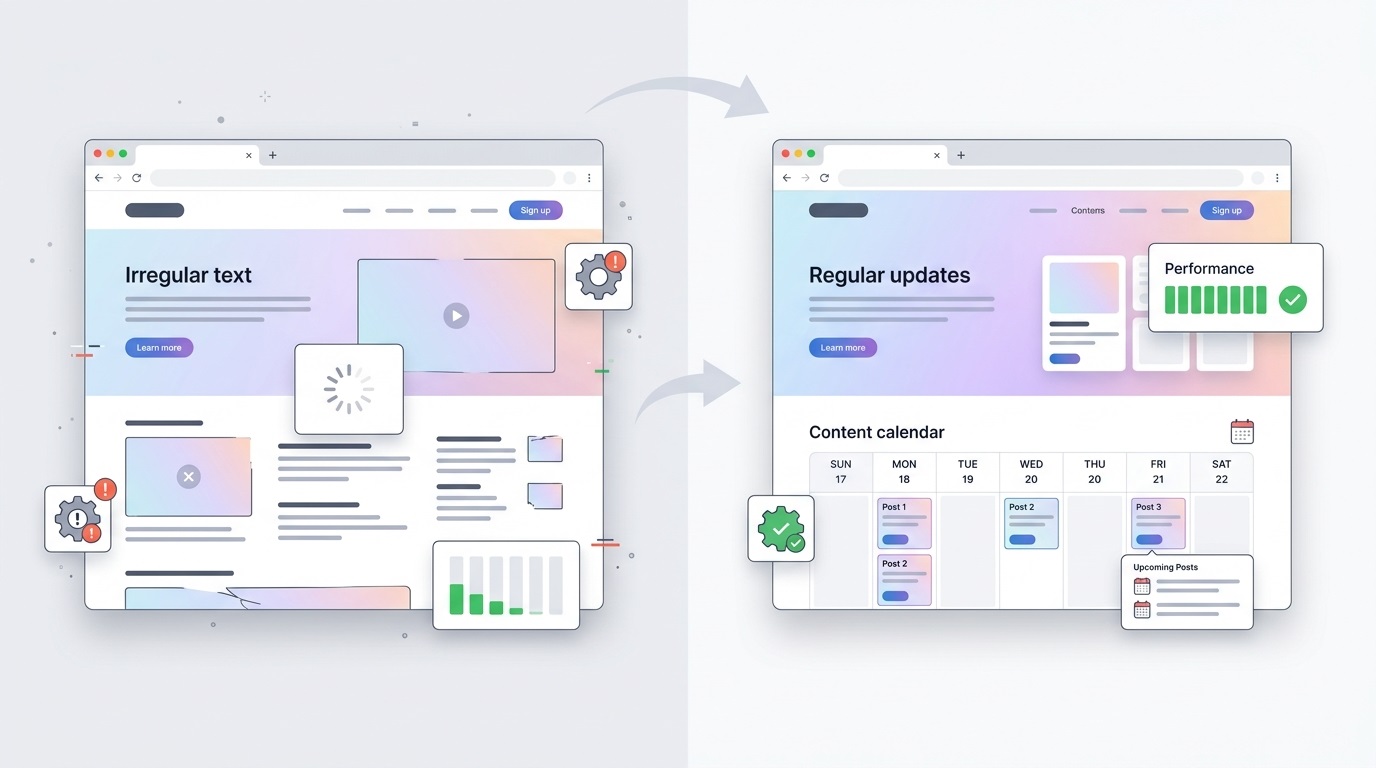
Why this beats “build it and forget it”
Many clients ask: “Why pay for support if the site already works?” But “build it and forget it” always means deferred problems.
“Build it and forget it”:
Plugins go stale; security holes appear.
Speed drops; conversion and SEO suffer.
Any serious change (a new block, a new integration) becomes a mini-project with a real risk of breaking something.
Systematic support:
The site stays technically fresh: updates, security, backups.
Speed stays under control — no gradual bloat.
Changes land regularly and safely, without “breaking everything in one evening.”
From a budget view it is also smarter: a small regular support fee costs less than one serious rescue project after a hack or a critical failure.
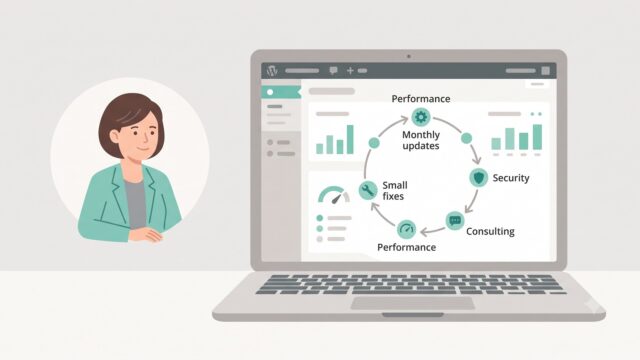
How I communicate with the client during support
What matters to the client is not only what I do, but how they see it.
It usually looks like this:
Weekly/monthly — a short report: what was updated, what was checked, recommendations.
When needed — fast chat/email for urgent questions.
For larger changes (new block, new integration) — a separate estimate and plan, so support does not become an “invisible budget.”
The client does not dive into technical details, but knows the site is watched, there is a plan, and there is reporting.
When to think about systematic support
It is worth it if:
You publish at least 1–2 articles/news items a week.
The site has forms, a catalog, or services that bring leads/sales.
You do not want to hear one day: “The site is down, everything collapsed.”
Support is not “extra spend.” It is how the site stays a working tool instead of a problem you will “deal with someday.”
Need help with site support?
If you already have a WordPress site that publishes actively and you want the technical side under control — write to me. We will discuss what belongs in regular support and what can stay on your side.
It does not have to be a “full package.” You can start with the minimum: updates, backups, basic security and speed — then scale as needed.


FAQ
Common questions about WordPress project work and ongoing support.
Do I have to update on staging, or can I go straight to production?
For a site that publishes weekly and brings in leads, staging updates are a required minimum. One bad update on production can take down forms, the catalog, or checkout for hours. So we update on a copy first, check key flows, and only then push to the live site.
What if something breaks after an update?
That is why backups matter. If a plugin or theme update causes issues, I roll back to the pre-update backup and calmly dig into the cause on staging. Without backups, every update becomes Russian roulette.
Does support include help publishing new articles?
It depends on the agreement. By default I set up templates, structure, and basic SEO so the client can publish themselves. If you want, we can agree on full content support: I review, shape, publish, add internal links, meta tags, and so on. That makes especially good sense when there are many posts and a consistent style matters.
Does support still make sense if the site is small and publishes rarely (for example 1–2 articles a month)?
Yes — but in a lighter format. Even a small site needs regular updates, backups, and basic security. The difference is simply less time on content checks and more on the technical side. For those projects a minimum is often enough: updates every 1–2 weeks, daily backups, and a monthly speed and security check.
What kinds of WordPress sites do you work with?
I work with business WordPress sites, WooCommerce stores, and projects that need to grow step by step — without unnecessary complexity or fragile solutions. This includes both new launches and existing sites that need refinements, support, or careful technical updates.
Can you improve an existing site without a full redesign?
Yes. Most tasks involve sites that are already live: new sections, functional improvements, WooCommerce changes, performance optimisation, or technical fixes. The goal is for the site to stay stable, manageable, and easy to develop further.
What types of tasks do you take on most often?
Most often this is custom WordPress development, Figma design implementation, WooCommerce refinements, support for live sites, fixing technical issues, and practical improvements over time. In selected scenarios I also help with light AI automations for content, enquiries, or internal admin workflows.
Do you work on WordPress speed and performance?
Yes. WordPress optimisation usually involves reviewing the theme, plugins, images, fonts, page structure, and the site's overall technical neatness. The aim is not a "magic button", but practical changes that make the site faster and easier to maintain.
Do you use AI when working on WordPress sites?
Yes, but only where it genuinely helps the process. AI works best for content drafts, FAQ or support assistants, enquiry handling, and small automations around an existing WordPress site. The approach is simple: AI should reduce routine work, not complicate the site.
What do I need to prepare to discuss a task or project?
Usually a short description of the site, the task, the desired outcome, and examples or technical constraints if you have them is enough. If the project is already live, it also helps to share the current site or a staging environment — this makes it easier to understand the scope of work.
Can I get in touch not for a new site, but for support or specific improvements?
Yes. I work not only on new builds, but also on live sites that need to be maintained, fixed, and improved gradually. This can include new pages, admin changes, WooCommerce refinements, small UX improvements, or technical maintenance.
Need help with a WordPress project?
If you need custom WordPress development, design implementation, or support for an existing site, I would be happy to review the project.