Wordpress
Many business owners come with a simple request: “we just need a redesign to make it look nicer.” In reality, “just applying a new theme” is the fastest way to break SEO, distort your content, and increase maintenance costs.
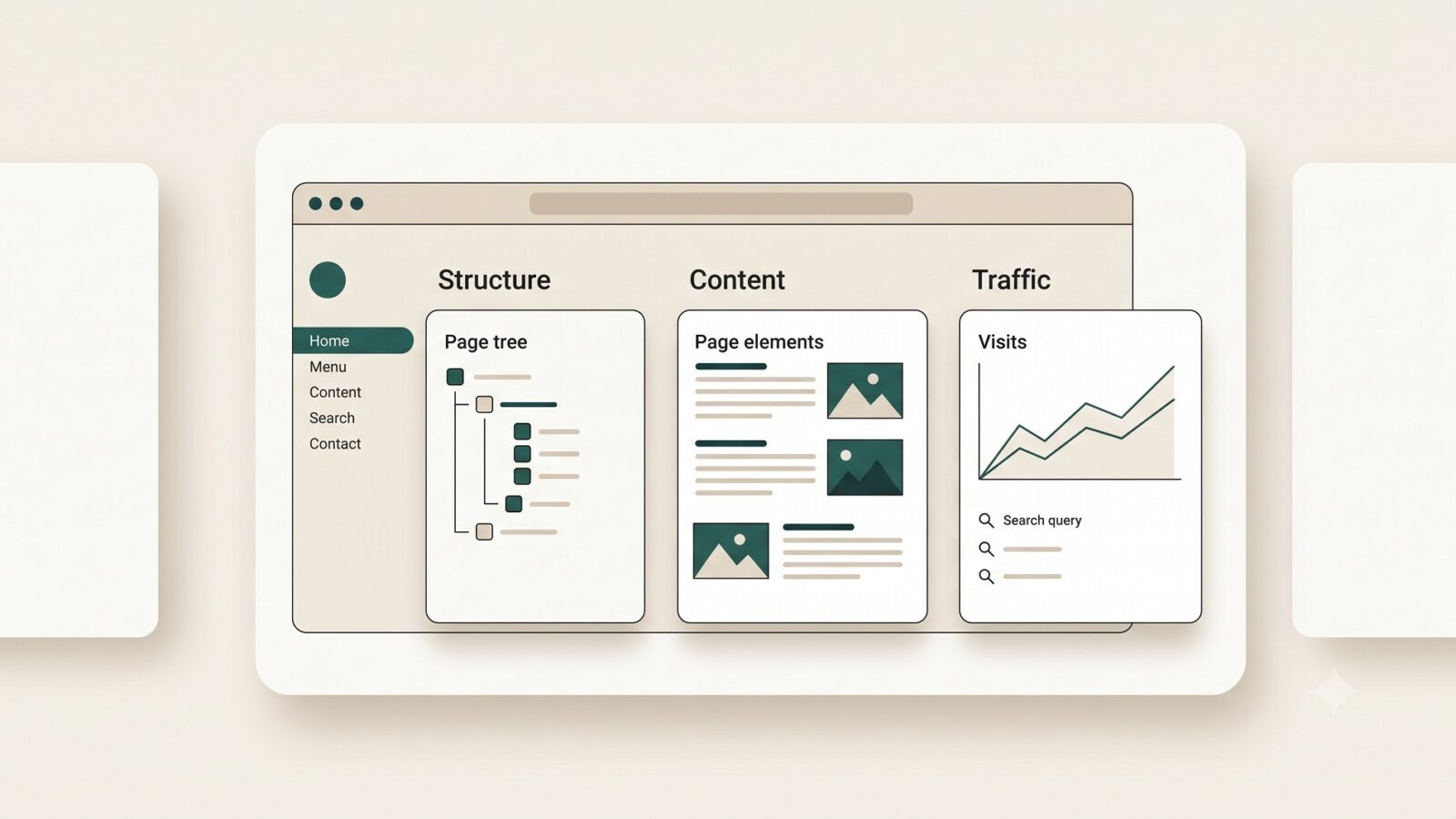
When I redesign or fully rebuild a WordPress site, I look beyond the visual layer into the technical health, structure, content, and current traffic. My goal is not only to refresh the look, but to make the site faster, more stable, and easier to maintain – without crashing your organic traffic after launch.
In this article I’ll show how I distinguish a light facelift from a full rebuild, what I analyse before we start, and which risks I plan for so that, after launch, you get a predictable result instead of unwanted surprises.
Facelift vs full rebuild
When a light facelift is enough
A facelift means we keep the existing site structure, content, and CMS in place, while focusing on the visual layer and some UX improvements.
Signs that a facelift is the right choice:
Your current theme is reasonably stable, but looks dated: typography, colours, cards, forms.
The site structure, URLs, and main templates work for you – it’s the interface that needs attention, not the logic.
The site already has organic traffic, and radically changing the architecture would be risky for SEO.
You have limited budget and tight deadlines, and the main goal is to improve look and conversion without touching the foundation.
Typical facelift work:
Unifying typography, colour palette, buttons, and blocks so the site feels consistent.
Improving readability, spacing, mobile responsiveness, and contact forms.
Carefully adjusting layouts without changing URLs or heading hierarchy, to avoid harming SEO.
When you really need a full rebuild
A rebuild is not “cosmetics”, it’s rebuilding the site almost from scratch: theme, structure, and sometimes even the wider CMS stack.
I recommend a rebuild when:
The site is slow, unstable, and full of plugin conflicts and recurring errors.
The theme is overloaded with legacy customisations, and it’s cheaper and safer to design a new structure than patch the old one.
Your business goals have changed: you need new logic, content types, integrations, languages, or better scalability.
The current architecture blocks growth: changes are hard or expensive, and the admin area is painful for your team.
In rebuild projects I typically:
Design a new structure (navigation, taxonomies, custom post types, fields) with a 2–3‑year horizon in mind.
Build a lean theme or child theme, often custom, avoiding heavy page builders where possible.
Plan content, SEO‑metadata, and redirect migration to preserve or improve existing traffic.
What I analyse before we start
Before touching design or code, I run an audit of your current site to decide whether we’re doing a facelift, a rebuild, or a hybrid.
1. Structure and navigation
Sitemap: which page types exist, how they connect, and whether there are duplicates or “dead branches”.
Menus and internal links: how easy it is to reach key sections, and whether important content is buried.
URL structure and heading hierarchy h1–h3: whether they match how people actually search for your services.
2. Content and conversions
Content quality and relevance: whether texts match your current offer and where outdated or duplicated pages appear.
Pages that drive traffic and leads: what already works and should be touched very carefully, if at all.
User journey and UX: where people most often drop off, and whether forms, CTAs, and FAQs are clear enough.
3. Technical health and performance
Load speed (PageSpeed, Core Web Vitals) on mobile and desktop.
Core technical aspects: valid HTML, functioning sitemap, robots.txt, 404 page, redirects, HTTPS.
Hosting and caching: whether the site can handle expected traffic and how CDN and image optimisation are set up.
4. Traffic and SEO
Which pages attract organic traffic and which queries bring people to the site.
Current metadata: titles, descriptions, schema, canonicals, pagination.
Risk areas: pages without metadata, duplicate URLs, and technical indexing issues.
Typical risks – and how I plan for them
SEO: keeping what already works
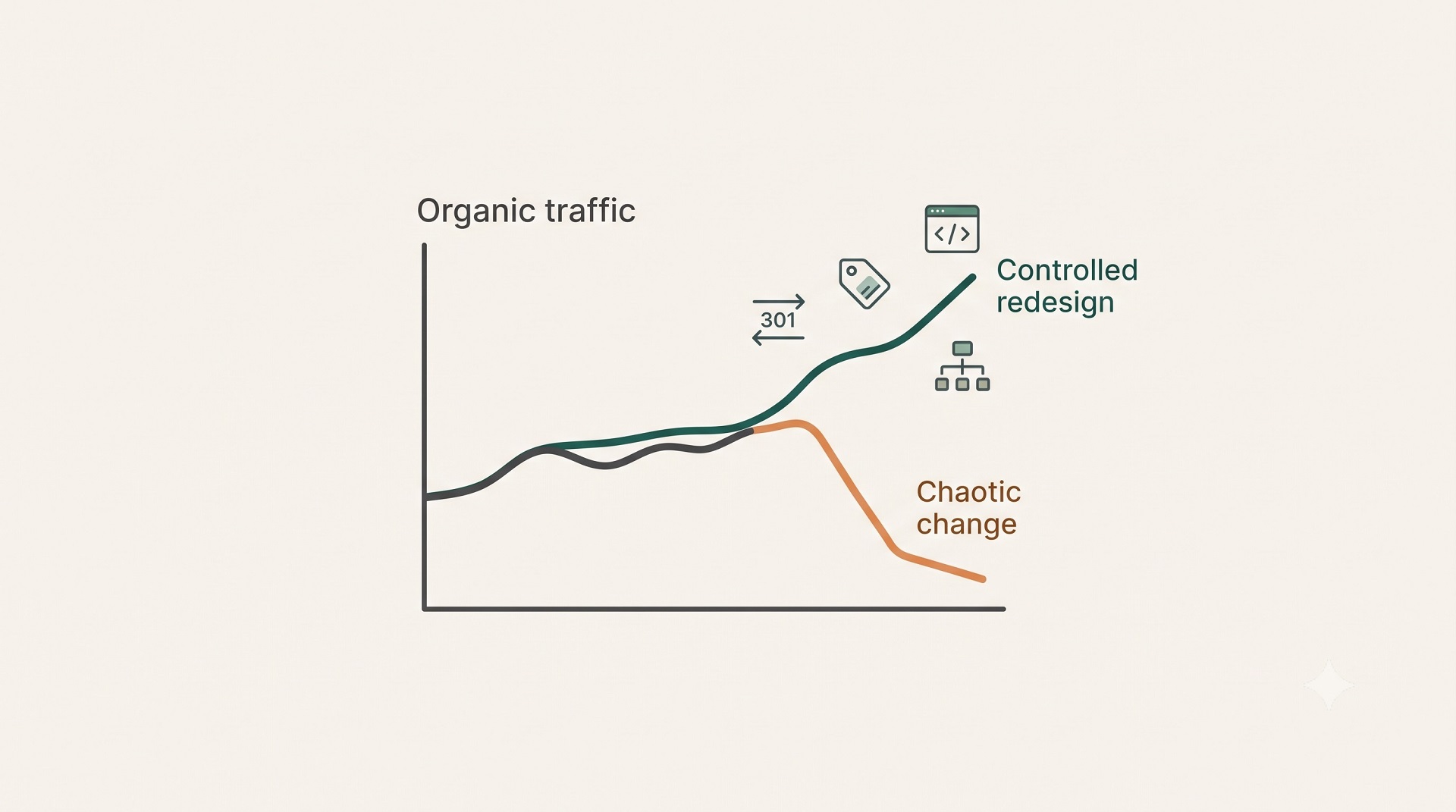
The main risk of any redesign is losing rankings and traffic, especially when structure, URLs, or HTML templates change carelessly.
My approach:
Lock in current URLs and high‑traffic pages and plan minimal, controlled changes for them.
Keep key SEO elements (title, description, h1, internal links) intact or strengthen them, instead of starting from zero.
If we must change URL structure, prepare and test a full 301 redirect map before launch.
Content: avoiding gaps, duplicates, and lost meaning
In rebuilds, it’s tempting to “throw away all old content and rewrite everything”. That only works if we don’t simultaneously remove pages that already rank and convert.
So I:
Group content into “works well”, “needs an update”, and “can be merged or removed”.
Update texts based on search demand and real user questions, not just style preferences.
Plan space for future blocks – FAQs, case studies, articles – so the site can grow without chaotic patchwork.
Plugin zoo and technical debt
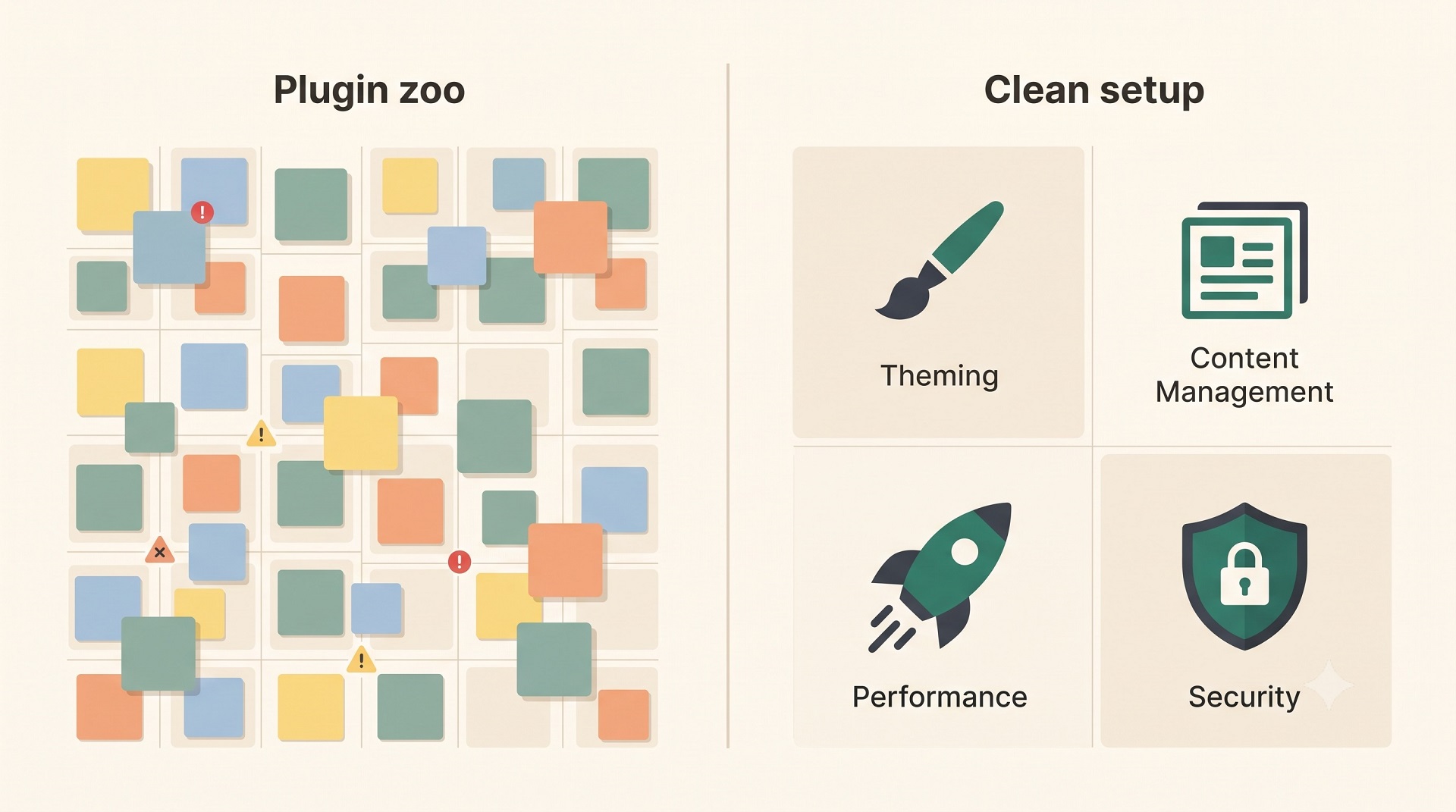
Older WordPress sites often run on dozens of plugins, many of them outdated or overlapping in functionality. This affects security, speed, and stability.
I handle this by:
Auditing every plugin: what it does, whether it’s still needed, and if we can replace it with a lighter or native solution.
Removing duplicates: multiple SEO plugins, form plugins, or caching plugins is a classic scenario that needs cleanup.
Consolidating critical features (forms, SEO, multilingual setup) into robust, well‑maintained tools so the site can be safely updated.
Short anonymised case
A small service‑based agency came to me with an old WordPress site built on a purchased theme with a heavy builder and more than 40 active plugins. The site looked outdated, and every change in the builder risked breaking another part of the site.
Audit highlights:
Around 70% of contact forms failed on mobile.
Most traffic landed on 4–5 blog posts and 3 service pages, which were buried in the navigation.
Several plugins hadn’t been updated for over 2 years, and some duplicated theme and builder functionality.
We decided that a simple facelift would be a band‑aid solution; a controlled rebuild with careful SEO and content migration was the right path.
Process:
Captured current URLs, key metadata, and high‑traffic pages, and drafted a redirect map “if something changes”.
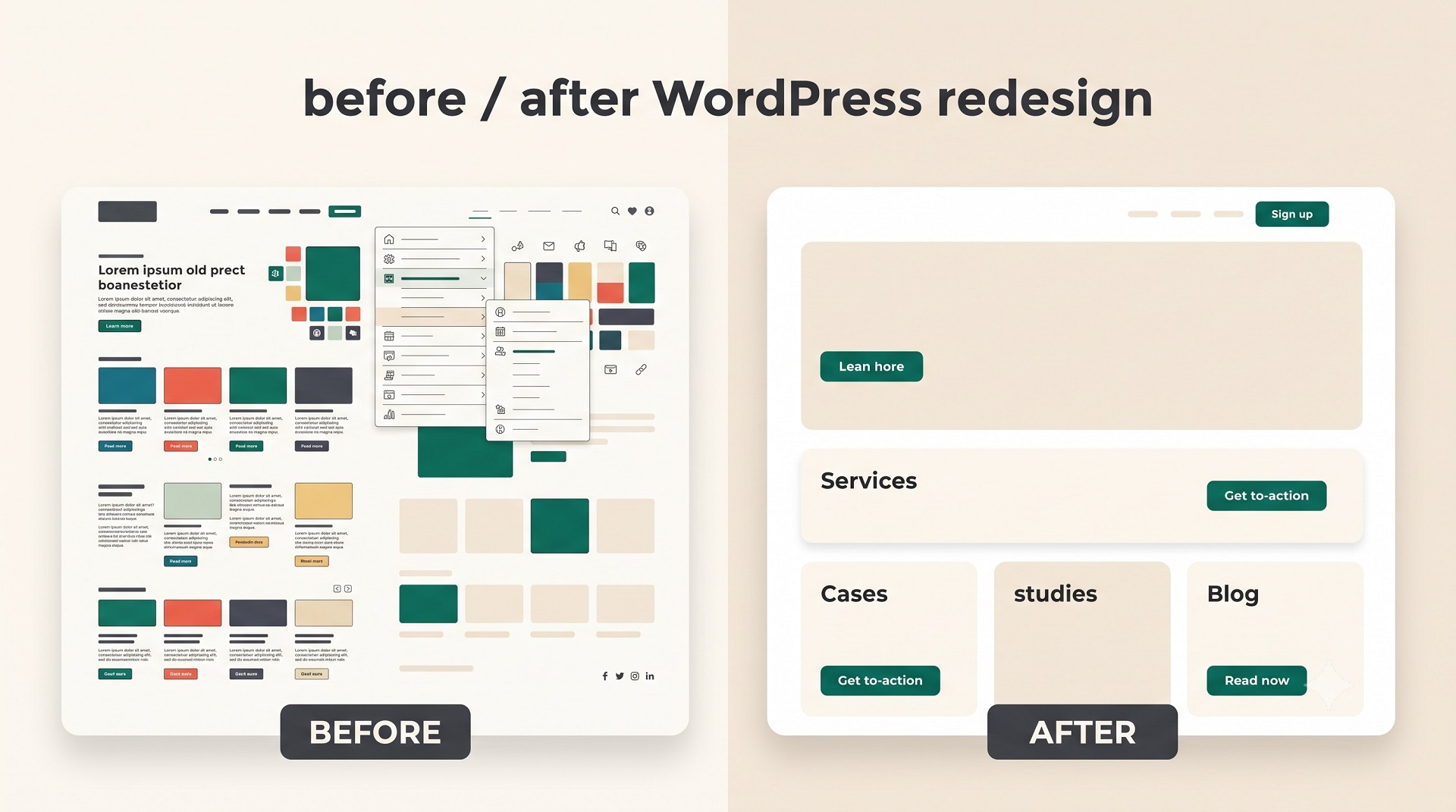
Designed a clearer structure: distinct “Services”, “Case studies”, and “Blog” sections, simplified menus and internal linking.
Built a lean custom theme with a defined set of reusable blocks: hero, benefits, case studies, FAQ, contact forms.
Cleaned up plugins: reduced the total count by roughly half, moved some features into the theme or one universal plugin.
Ran a pre‑launch checklist: performance, mobile UX, forms, redirects, analytics, SEO tags.
Outcome:
After launch, the site was not only visually modern, but also more stable, faster, and easier to maintain. Organic traffic was preserved, and clearer structure plus functioning forms led to a gradual increase in enquiries.
For the client, this was not “just a new look”, but a reliable tool they could grow – adding services, case studies, and content without fear of breaking the system.


FAQ
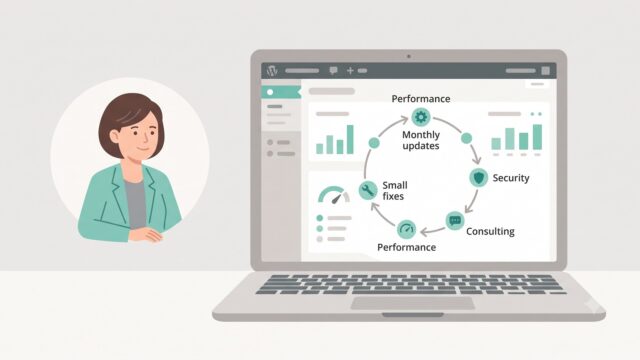
Common questions about WordPress project work and ongoing support.
What’s the difference between a facelift and a full rebuild?
A facelift keeps your existing structure, URLs and content, and focuses on visual refresh and UX tweaks.
A full rebuild goes deeper: new theme or custom build, revised page logic, content architecture and plugin cleanup. I only recommend a rebuild when the current foundation is holding the site back or causing recurring technical issues.
Will a redesign hurt our SEO?
Any redesign or rebuild can hurt SEO if structure, URLs or templates are changed without a plan.
To avoid that, I document your high‑traffic pages, preserve key headings and metadata, prepare a 301 redirect map and test it before launch. The goal is a controlled redesign that protects – and ideally improves – your organic results.
Do we really need a new theme if the site “kind of works”?
Not always. If the site is stable, reasonably fast, and you’re happy with the page types and structure, a facelift is usually enough.
In that case we modernise typography, colours, layouts and mobile experience without touching the foundation. A full rebuild makes sense when every change feels risky because the theme is overloaded with legacy tweaks.
What happens to our “plugin zoo” during the project?
At the start I audit your plugins: what each one does, whether it’s maintained, and where you have overlapping functionality.
Unnecessary or outdated plugins are removed carefully, and critical features are moved to more stable tools or into the theme. The outcome is a faster, safer site that you can update without worrying about breaking something.
What does the process look like from our side as a client?
First we clarify your goals, budget and timeline. Then I audit the existing site – structure, content, traffic and technical health – and propose either a facelift or rebuild with clear stages and risks.
From your side I need access to the site and analytics, a list of pages that matter most for the business, and timely feedback on designs and intermediate versions.
How long does a WordPress redesign or rebuild take?
A light facelift for a small service site can take from a couple of weeks, assuming content is mostly up to date and decisions are quick.
A full rebuild with new structure, content migration and plugin cleanup is a multi‑week or multi‑month project that we plan in phases to minimise downtime and SEO risk.
What kinds of WordPress sites do you work with?
I work with business WordPress sites, WooCommerce stores, and projects that need to grow step by step — without unnecessary complexity or fragile solutions. This includes both new launches and existing sites that need refinements, support, or careful technical updates.
Can you improve an existing site without a full redesign?
Yes. Most tasks involve sites that are already live: new sections, functional improvements, WooCommerce changes, performance optimisation, or technical fixes. The goal is for the site to stay stable, manageable, and easy to develop further.
What types of tasks do you take on most often?
Most often this is custom WordPress development, Figma design implementation, WooCommerce refinements, support for live sites, fixing technical issues, and practical improvements over time. In selected scenarios I also help with light AI automations for content, enquiries, or internal admin workflows.
Do you work on WordPress speed and performance?
Yes. WordPress optimisation usually involves reviewing the theme, plugins, images, fonts, page structure, and the site's overall technical neatness. The aim is not a "magic button", but practical changes that make the site faster and easier to maintain.
Do you use AI when working on WordPress sites?
Yes, but only where it genuinely helps the process. AI works best for content drafts, FAQ or support assistants, enquiry handling, and small automations around an existing WordPress site. The approach is simple: AI should reduce routine work, not complicate the site.
What do I need to prepare to discuss a task or project?
Usually a short description of the site, the task, the desired outcome, and examples or technical constraints if you have them is enough. If the project is already live, it also helps to share the current site or a staging environment — this makes it easier to understand the scope of work.
Can I get in touch not for a new site, but for support or specific improvements?
Yes. I work not only on new builds, but also on live sites that need to be maintained, fixed, and improved gradually. This can include new pages, admin changes, WooCommerce refinements, small UX improvements, or technical maintenance.
Need help with a WordPress project?
If you need custom WordPress development, design implementation, or support for an existing site, I would be happy to review the project.