
Woocommerce
WooCommerce is a great choice for launching an online store. But once a business develops real processes, non‑standard sales rules and specific UX requirements, the default functionality often stops being enough.
That’s when you start seeing the kind of tasks that impact not just “how convenient the site is”, but conversion rates, average order value, and how much manual work your team has to do.
These are exactly the kinds of WooCommerce customisation services I usually handle for growing stores.
Custom quantity logic: when you can’t sell “any amount”
The problem
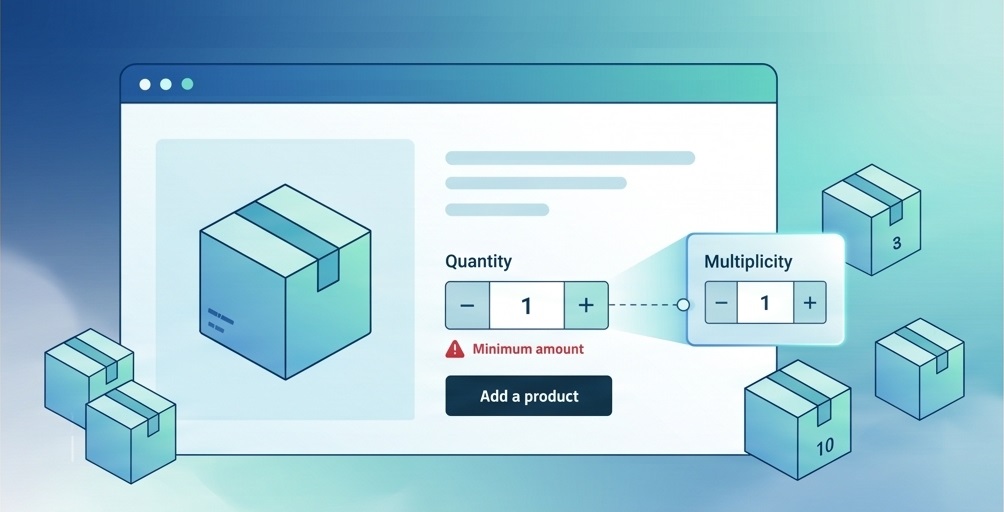
One of the most common tasks is setting up custom quantity rules: minimum order size, selling in fixed pack sizes, quantity steps, or specific rules for certain categories.
In a real store this is very simple: the customer should not buy 1 unit, but for example from 10 units, or in boxes of 6.
Where standard WooCommerce stops
The problem is that core WooCommerce doesn’t give you enough flexible control for these scenarios, and generic min/max quantity plugins usually cover only basic use cases.
This becomes very noticeable when the logic depends not only on the product itself but also on its category, customer type, or internal business rules.
How I solve it
Rules are defined via product meta fields.
Validation runs when items are added to the cart.
Quantity inputs are adjusted to show the correct buying pattern by default.
Users see clear messages instead of confusing technical errors.
Technically, this is not just “restricting a number”, but making sure the user immediately sees and follows a correct purchasing scenario, without errors or confusing messages.
What changes for the client: fewer incorrect orders, fewer manual adjustments for the sales team, and a more predictable average order value.
Checkout that doesn’t get in the way of buying
The problem
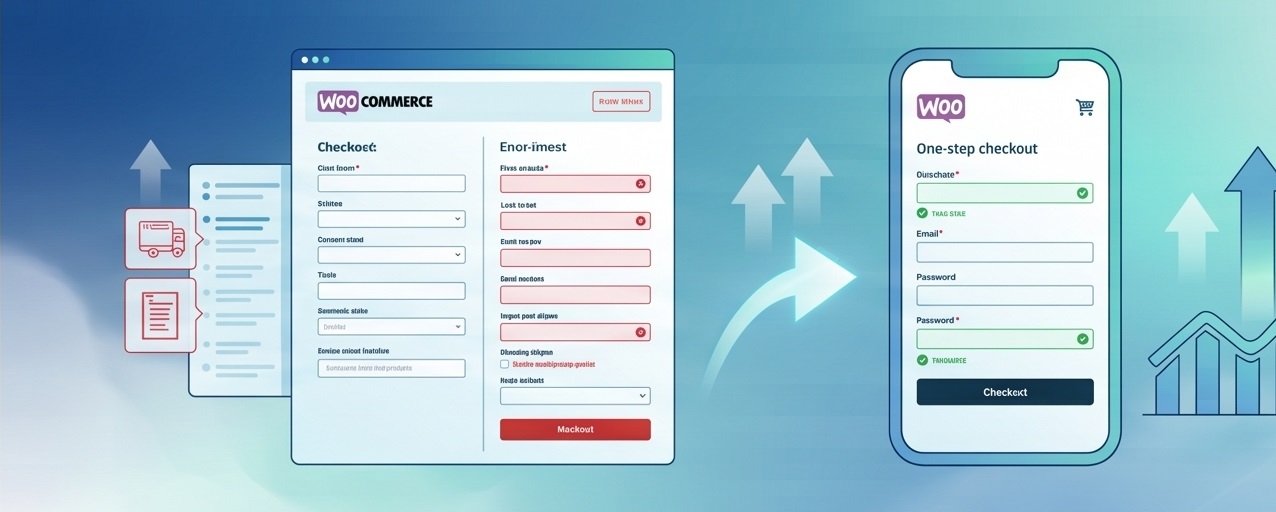
The second typical area for improvements is the checkout. This is where stores most often lose part of their already “warm” customers: the person is ready to buy, but the form is too long, there are too many fields, and on mobile everything feels overloaded.
Why the standard form isn’t enough
The universal WooCommerce checkout is convenient as a starting template, but not as the final version for a specific business.
Different stores have different flows: some care about fast B2C purchases, others need full B2B details with company data, and others prioritise minimal steps and maximum speed.
What I change in practice
Removing unnecessary fields and keeping only what’s actually needed to complete the order.
Reordering blocks and adding conditional logic for specific customer or shipping types.
Turning the process into a one‑step checkout when it makes sense.
Refactoring checkout fields, templates, frontend logic and data validation — not just cosmetic tweaks.
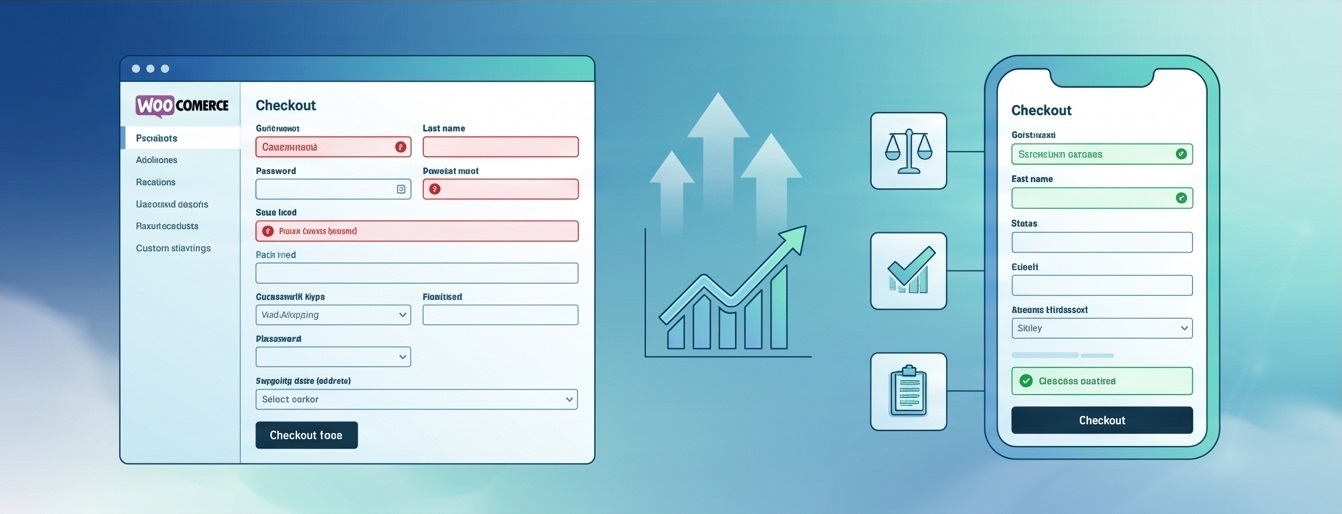
For the business, this is one of the most profitable categories of tweaks, because even a modest simplification of the checkout can reduce cart abandonment and increase conversion without extra spending on traffic.
What changes for the client: fewer abandoned carts, higher conversion, and a better mobile experience at the most important point in the sales funnel.
Extra fields and data that actually help sell
The problem
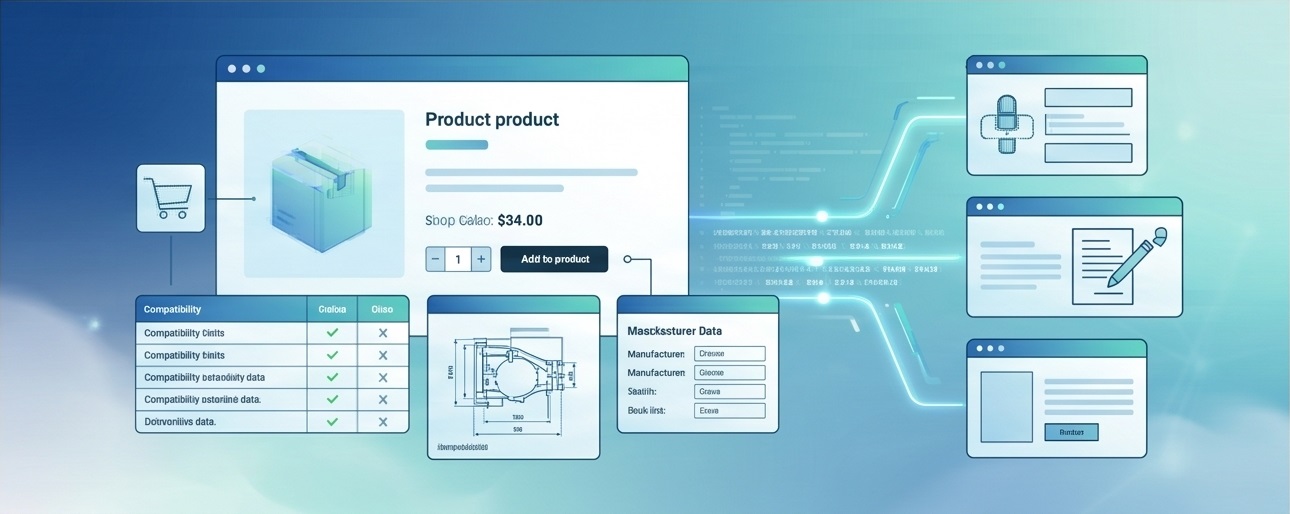
Another recurring task is exposing more useful information on product pages: technical specs, compatibility, manufacturer, SKU, special parameters, or internal data that must later appear in the order.
Why attributes alone are often not enough
Standard WooCommerce attributes are useful, but they quickly become limiting when data needs to do more than just “be visible”.
In many stores, it must participate in page logic, influence how products are presented, and be available in orders and integrations.
My approach
Custom fields where standard attributes no longer offer enough flexibility.
Dedicated template output so data supports sales instead of looking like a random table at the bottom of the page.
Passing important values into orders, CRM, or internal support workflows.
This is where you see the difference between a “site with products” and a store that truly supports sales, team workflows and post‑sale communication.
What changes for the client: fewer pre‑sale questions, fewer mistakes when choosing products, and a more professional impression of the shop.
Store performance as part of sales
Why it matters
A separate category of work is performance optimisation. In WooCommerce, this almost always affects not only technical metrics but also revenue: a slow catalogue, heavy checkout and overloaded mobile layout directly harm user experience.
What usually needs to be done
Optimising queries and heavy product loops.
A proper caching strategy for cart and checkout.
Object caching, image optimisation, and reducing unnecessary load from the theme or plugins.
From the outside these changes may be less visible than new features, but they are clearly felt in how users behave, especially on mobile traffic.
What changes for the client: a faster store, better mobile UX, and a stronger foundation for SEO and sales.

Why these tasks keep coming back
Almost all serious WooCommerce projects eventually hit the same wall: the default setup works for launch, but doesn’t fully support the business logic.
And these are exactly the types of improvements that usually bring the most value from development work, because they remove manual overhead, simplify the buying journey and turn the store into a much closer fit for the actual sales process.
If your store is already at that stage, you can see the kind of WordPress and WooCommerce work I offer on the Services page.

FAQ
Common questions about WordPress project work and ongoing support.
What kinds of WordPress sites do you work with?
I work with business WordPress sites, WooCommerce stores, and projects that need to grow step by step — without unnecessary complexity or fragile solutions. This includes both new launches and existing sites that need refinements, support, or careful technical updates.
Can you improve an existing site without a full redesign?
Yes. Most tasks involve sites that are already live: new sections, functional improvements, WooCommerce changes, performance optimisation, or technical fixes. The goal is for the site to stay stable, manageable, and easy to develop further.
What types of tasks do you take on most often?
Most often this is custom WordPress development, Figma design implementation, WooCommerce refinements, support for live sites, fixing technical issues, and practical improvements over time. In selected scenarios I also help with light AI automations for content, enquiries, or internal admin workflows.
Do you work on WordPress speed and performance?
Yes. WordPress optimisation usually involves reviewing the theme, plugins, images, fonts, page structure, and the site's overall technical neatness. The aim is not a "magic button", but practical changes that make the site faster and easier to maintain.
Do you use AI when working on WordPress sites?
Yes, but only where it genuinely helps the process. AI works best for content drafts, FAQ or support assistants, enquiry handling, and small automations around an existing WordPress site. The approach is simple: AI should reduce routine work, not complicate the site.
What do I need to prepare to discuss a task or project?
Usually a short description of the site, the task, the desired outcome, and examples or technical constraints if you have them is enough. If the project is already live, it also helps to share the current site or a staging environment — this makes it easier to understand the scope of work.
Can I get in touch not for a new site, but for support or specific improvements?
Yes. I work not only on new builds, but also on live sites that need to be maintained, fixed, and improved gradually. This can include new pages, admin changes, WooCommerce refinements, small UX improvements, or technical maintenance.
Need help with a WordPress project?
If you need custom WordPress development, design implementation, or support for an existing site, I would be happy to review the project.