Wordpress
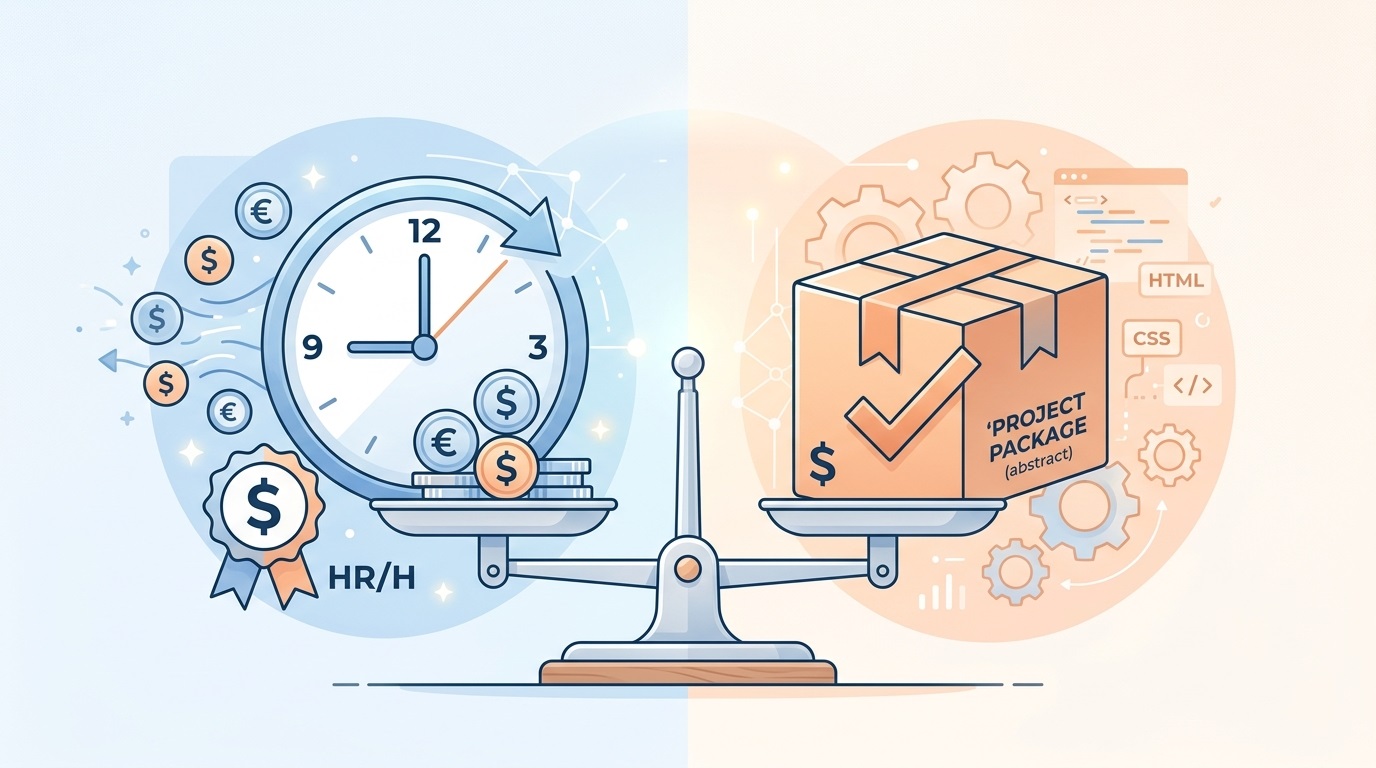
One of the most common dilemmas for clients: hourly or a fixed block? Especially when the project is in the 80–140 hour range — no longer a “weekend side job,” but not yet a large corporate portal either.
In this article I break down when hourly makes more sense, when a block/fixed price is better, how I work with the 80–140 hour range, and how I keep things transparent for the client (reports, risks, and communication about overruns or savings).
When hourly is the better choice
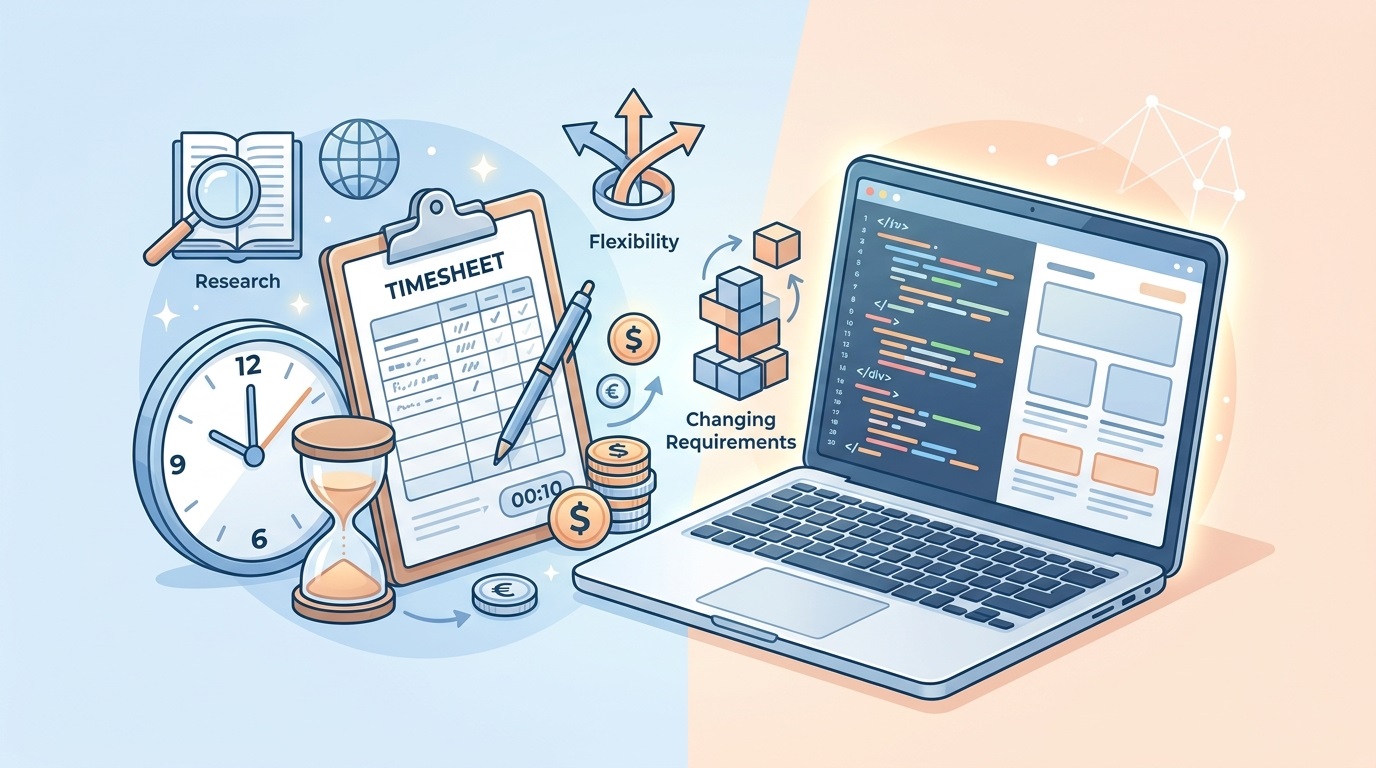
Hourly billing is not “uncertainty” — it is a tool for projects with many unknowns.
Hourly makes sense when:
The scope is unclear. For example: “We want a redesign plus a new catalog, but we don’t yet know how many filters, which blocks, or what logic we’ll need.”
There is a lot of research and experimentation. New integrations, non‑standard logic, complex calculators, custom funnels.
Requirements are likely to change. The client is still figuring out what they want, or business processes may shift during the project.
Pros of hourly:
You pay for real work, not a guessed scope.
Priorities are easier to change: if something becomes irrelevant mid‑project, we simply don’t do those tasks.
Less risk that the developer “prices in every possible risk” and the project ends up more expensive than it needed to be.
Cons of hourly:
Harder for the client to plan the budget: there is no single final figure at the start.
Trust and clear reporting are essential: how many hours were used, on what, and what remains.
When a block / fixed price is better
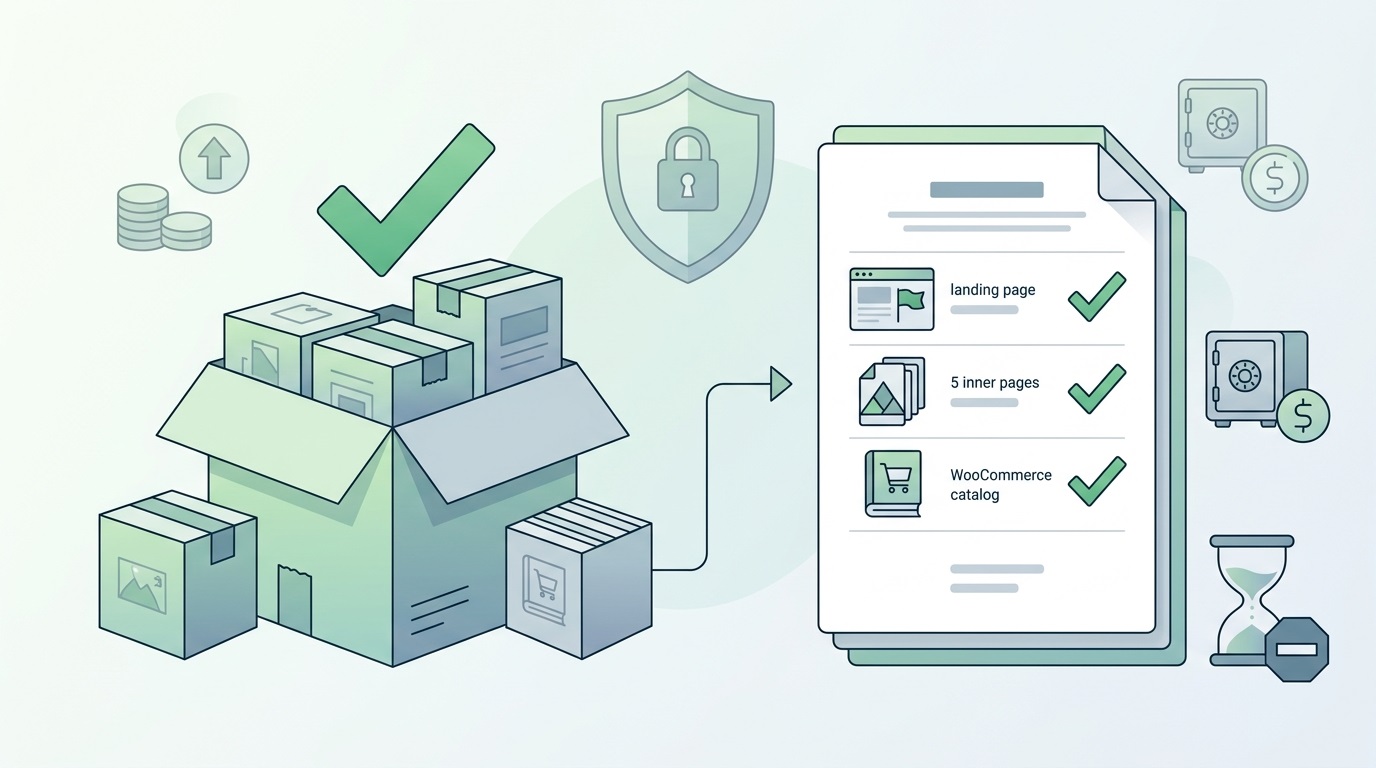
A block (a fixed price for a defined package of work) means we agree on a clear scope and lock the price.
A block makes sense when:
The scope is clearly described. For example: “Landing page + 5 inner pages,” “Corporate site: home, services, about, blog, contacts,” “WooCommerce catalog + checkout.”
The work is repeatable. Packaged improvements, a series of similar pages, a typical integration you have done before.
Predictability and a deadline matter. When the budget is already approved internally and cannot be exceeded.
Pros of a block:
A clear number at the start: easier budget planning.
Less need to dive into every detail: there is a list of work and a defined result.
Easier for internal approval: “We have budget X, the project costs Y.”
Cons of a block:
The developer builds risk into the price: if something goes wrong, they need to be confident they are not working at a loss.
Requirement changes often mean add‑ons or extra fees: “This is outside the block.”
If the actual scope turns out smaller, the client still pays the fixed price.
How I work with the 80–140 hour range
The 80–140 hour range is a typical project: a small corporate site, a service catalog, WooCommerce at launch, or a redesign of an existing site.
How I estimate the scope:
Audit / brief. I review the designs (if any), the feature description, and reference examples.
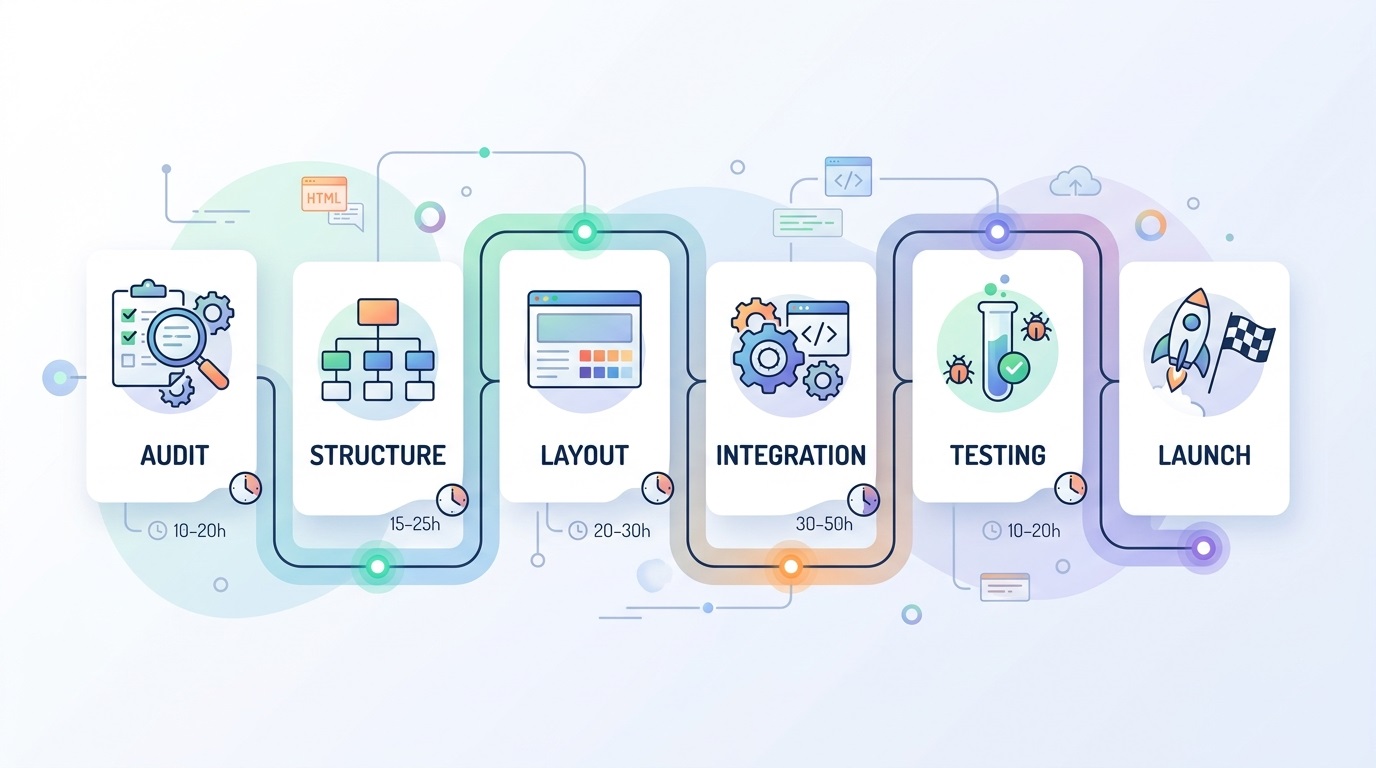
Breakdown by stages. For example:
Audit and structure: 8–12 hrs
Layout of key templates: 20–30 hrs
WordPress integration: 20–30 hrs
WooCommerce / catalog: 20–40 hrs
Testing, fixes, launch: 12–20 hrs
Total: roughly 80–132 hrs.
Risk notes. I flag where extra hours may appear: complex filters, custom integrations, a large volume of content.
How I communicate the range to the client:
I give a range, not a single number: “Roughly 80–140 hours, depending on filter complexity and content volume.”
I explain what drives the upper end: for example, “If filters are simple — closer to 80; if custom with logic — closer to 140.”
I propose priorities: what we do first, and what can move to a second phase if the budget is tight.
Transparency for the client: reports, risks, overruns
Regardless of the model (hourly or block), I want the client to understand where the hours and budget go.
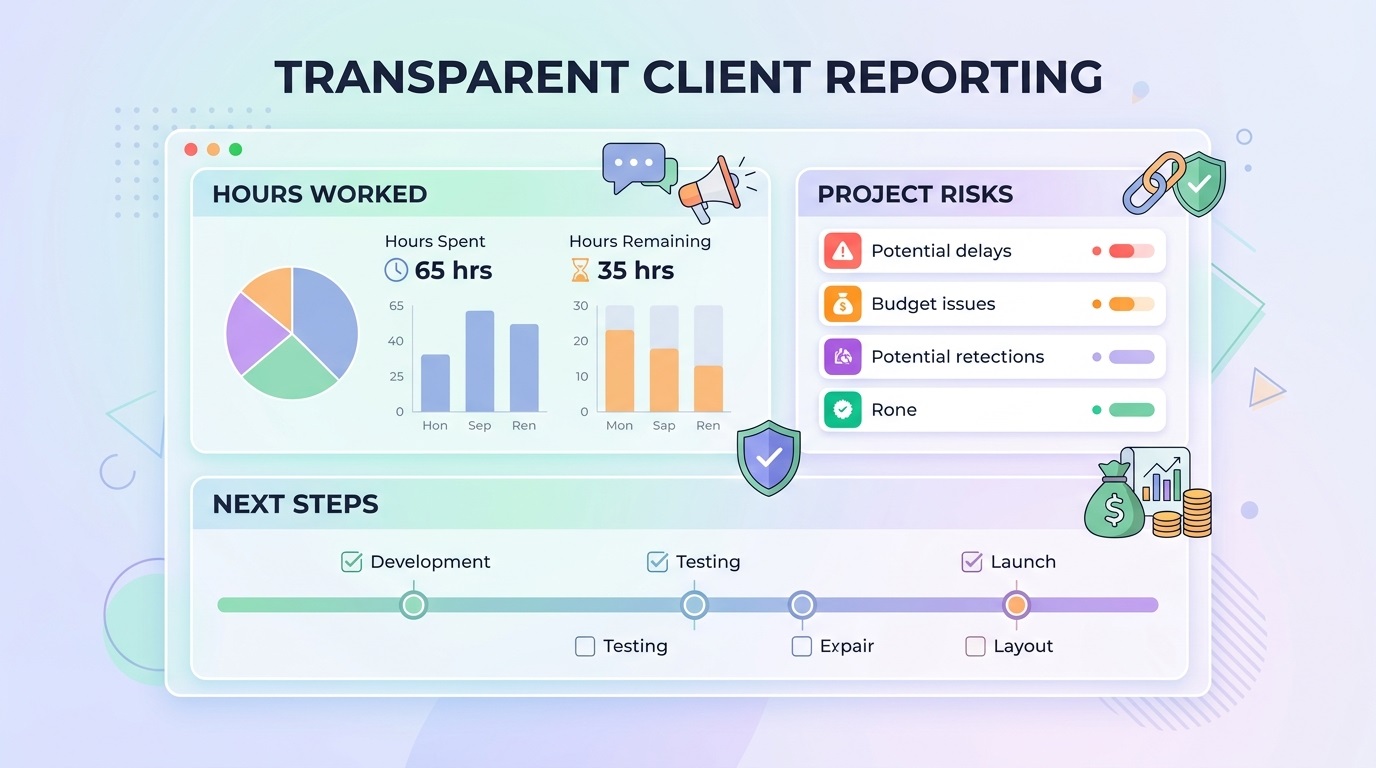
What an hours report looks like
For hourly projects I provide:
A short report (weekly or per stage):
How many hours were used.
On which tasks (for example: “homepage layout,” “form integration,” “filter setup”).
How many hours remain within the budget.
If needed — a more detailed breakdown by stage.
This is not “micromanagement.” It is a trust tool: the client sees progress and can adjust priorities.
How I communicate risks
If during the work I see that:
A task is more complex than it looked at the start.
New requirements appeared that were never discussed.
Content or designs need more work than planned.
I write to the client/PM right away:
What changed.
How it affects the hours (for example: “+10–15 hrs to the estimate”).
What options we have: simplify, move to a second phase, or add budget.
Overruns vs savings
Overruns:
If the scope turns out larger, I don’t stay silent until the deadline — I warn early.
I propose options: what to simplify, what to postpone, where we can save.
Savings:
If the scope turns out smaller (for example, 70 hours instead of 80–100), the client pays for real hours (on hourly) or we agree how to apply the savings to later stages (on a block).
The main rule: no surprises “at the end,” when the final invoice arrives.
Example: a corporate site with a service catalog
Inputs:
Company main site, 6–8 key pages.
Service catalog with filters (service, industry, region).
Enquiry forms, email/CRM integration.
Figma designs, but without full mobile versions.
Initial estimate: 80–120 hours.
How I break it into stages:
Design audit, clarifying requirements: 8–10 hrs
Layout of key templates (home, services, catalog, article): 25–35 hrs
WordPress integration (ACF, custom post types): 20–30 hrs
Catalog + filters: 20–35 hrs
Forms + integrations: 6–10 hrs
Testing, fixes, launch: 10–15 hrs
Total: 89–135 hours.
What can increase the scope:
Custom filter logic (for example, complex conditions or dependent filters).
Extra languages (multilingual setup, translations, URL structure).
A large volume of content that needs structuring and import.
What I propose to the client:
Ship a basic filter version in phase one; move complex logic to phase two.
Launch one language first, then add others.
Prioritise pages: home + key services first, secondary pages later.
How to choose: hourly or block?
Choose hourly if:
You don’t yet have a clear description of all requirements.
There are many unknowns and likely changes.
You need flexibility and the ability to shift priorities mid‑project.
Choose a block if:
You know exactly what you want (designs, brief, examples).
Budget and deadline predictability matter most.
Requirement changes are unlikely or unwanted.
A hybrid option:
Fix the first stage (audit + structure + key templates) as a block.
Do the rest (catalog, filters, integrations) hourly — that is where most unknowns live.
Need help estimating a project?
If you have a project in the 80–140 hour range (or close to it) and you’re unsure between hourly and a block — write to me. We’ll review your inputs (designs, features, business goals) and I’ll give an honest assessment of which model works better for you and why.
It doesn’t commit you to working together — but it helps you avoid unexpected costs and surprise revisions once development has already started.


FAQ
Common questions about WordPress project work and ongoing support.
Can I switch models (hourly ↔ block) mid‑project?
Yes, with clear conditions. For example, we can start hourly for the audit and structure phase to understand the real scope, then lock the rest as a block. Or the reverse: start with a block, and run complex new tasks that appear later on hourly. The key is to clearly mark where one format ends and the other begins.
What if mid-project I realise I want new features?
That’s normal. On hourly projects, new features go into the backlog and get estimated in hours. On a block, we check whether they fit the current scope. If not, I estimate the extra hours and propose options: add budget, move them to phase two, or simplify something else within the current block.
Does hourly mean there is no hour limit at all?
No. Even on hourly I always work within an agreed budget or hour cap. For example: “100 hours, with a review after 80.” When we approach the limit, I warn in advance and we decide together: stop, add budget, or simplify something. There are no surprises like “oh, we’re already at 150 hours.”
How do you guarantee you won’t artificially stretch the hours?
Through transparency and trust. You see the report: hours used, on which tasks, and what remains. If something raises a question — we discuss it. Stretching hours is bad for me too: it damages trust and reduces the chance of long‑term work and referrals. My goal is not to “burn the maximum hours,” but to deliver a project that works and brings you leads.
What kinds of WordPress sites do you work with?
I work with business WordPress sites, WooCommerce stores, and projects that need to grow step by step — without unnecessary complexity or fragile solutions. This includes both new launches and existing sites that need refinements, support, or careful technical updates.
Can you improve an existing site without a full redesign?
Yes. Most tasks involve sites that are already live: new sections, functional improvements, WooCommerce changes, performance optimisation, or technical fixes. The goal is for the site to stay stable, manageable, and easy to develop further.
What types of tasks do you take on most often?
Most often this is custom WordPress development, Figma design implementation, WooCommerce refinements, support for live sites, fixing technical issues, and practical improvements over time. In selected scenarios I also help with light AI automations for content, enquiries, or internal admin workflows.
Do you work on WordPress speed and performance?
Yes. WordPress optimisation usually involves reviewing the theme, plugins, images, fonts, page structure, and the site's overall technical neatness. The aim is not a "magic button", but practical changes that make the site faster and easier to maintain.
Do you use AI when working on WordPress sites?
Yes, but only where it genuinely helps the process. AI works best for content drafts, FAQ or support assistants, enquiry handling, and small automations around an existing WordPress site. The approach is simple: AI should reduce routine work, not complicate the site.
What do I need to prepare to discuss a task or project?
Usually a short description of the site, the task, the desired outcome, and examples or technical constraints if you have them is enough. If the project is already live, it also helps to share the current site or a staging environment — this makes it easier to understand the scope of work.
Can I get in touch not for a new site, but for support or specific improvements?
Yes. I work not only on new builds, but also on live sites that need to be maintained, fixed, and improved gradually. This can include new pages, admin changes, WooCommerce refinements, small UX improvements, or technical maintenance.
Need help with a WordPress project?
If you need custom WordPress development, design implementation, or support for an existing site, I would be happy to review the project.